

TL;DR:
- YouTube tracks over 80 billion signals daily to personalize user recommendations through advanced AI.
- Active behaviors like likes, comments, and searches heavily influence personalized content suggestions.
- Users can manage their data and influence recommendations by using feedback tools and adjusting activity controls.
YouTube processes over 80 billion daily signals to figure out what you want to watch next. That number is not a typo. Every click, pause, skip, and search you make feeds a machine that is constantly building a model of your tastes. Most people assume YouTube recommendations are based on a handful of likes or subscriptions. The reality is far more layered, and understanding it gives you real power over your viewing experience. This article breaks down what video preference tracking is, which signals YouTube collects, how its algorithms work, and what you can do to take control.
Table of Contents
- What is video preference tracking?
- Signals YouTube tracks to personalize your experience
- How YouTube's algorithms shape your viewing journey
- Benefits, risks, and ways to fine-tune your preferences
- A smarter way to use video preference tracking
- Enhance your watching experience with Replayd
- Frequently asked questions
Key Takeaways
| Point | Details |
|---|---|
| Personalized recommendations | YouTube leverages tracking to tailor what appears in your feed and search results based on your engagement. |
| Multiple input signals | Your watch history, likes, subscriptions, and feedback all help shape your unique viewing profile. |
| Algorithmic modeling | AI and machine learning methods convert raw data into smarter suggestions—both for discovery and sharing. |
| User control options | You can refine or limit preference tracking through activity controls and feedback tools. |
| Tools for enhancement | Third-party platforms like replayd empower you to rate, track, and share your favorite videos more efficiently. |
What is video preference tracking?
Video preference tracking is not the same as simply counting how many times you watched a video. It goes much deeper. Video preference tracking refers to the process by which platforms like YouTube monitor and analyze user interactions with videos to infer and model individual viewing preferences for personalized recommendations. In plain terms, YouTube is not just recording what you watch. It is building a living profile of what you enjoy, what you avoid, and what keeps you engaged.
This profile directly shapes everything you see on YouTube, from your homepage to search results to the "Up next" sidebar. If you ever noticed that your feed feels oddly accurate after a few sessions, that is preference tracking doing its job. For a broader overview of video preference tracking and how platforms use it, the concept applies well beyond YouTube.
Artificial intelligence sits at the center of this process. Raw data like clicks and watch time means nothing on its own. AI interprets patterns across millions of users to figure out what those behaviors actually signal about your preferences.
Here is a quick look at how preference tracking compares to basic engagement metrics:
| Feature | Basic engagement metrics | Video preference tracking |
|---|---|---|
| What it measures | Views, likes, comments | Inferred taste and interest patterns |
| Scope | Single video | Across your entire history |
| Output | Performance data | Personalized recommendations |
| AI involvement | Minimal | Central |
| User impact | Creator analytics | Your homepage and suggestions |
The key behaviors YouTube monitors include:
- Watch time and completion rate: Did you finish the video or bail at 30 seconds?
- Click-through behavior: Did you click a recommendation or scroll past it?
- Replays and rewinds: Rewatching a section signals strong interest.
- Likes and dislikes: Explicit signals that directly weight future suggestions.
- Comments: Engagement depth that signals emotional investment.
- Shares: Sharing a video is one of the strongest positive signals you can send.
Each of these behaviors tells YouTube something specific. Together, they paint a detailed picture of your preferences.
Signals YouTube tracks to personalize your experience
Now that the foundation is set, let's look at exactly what YouTube tracks and how these signals feed its recommendation engine.
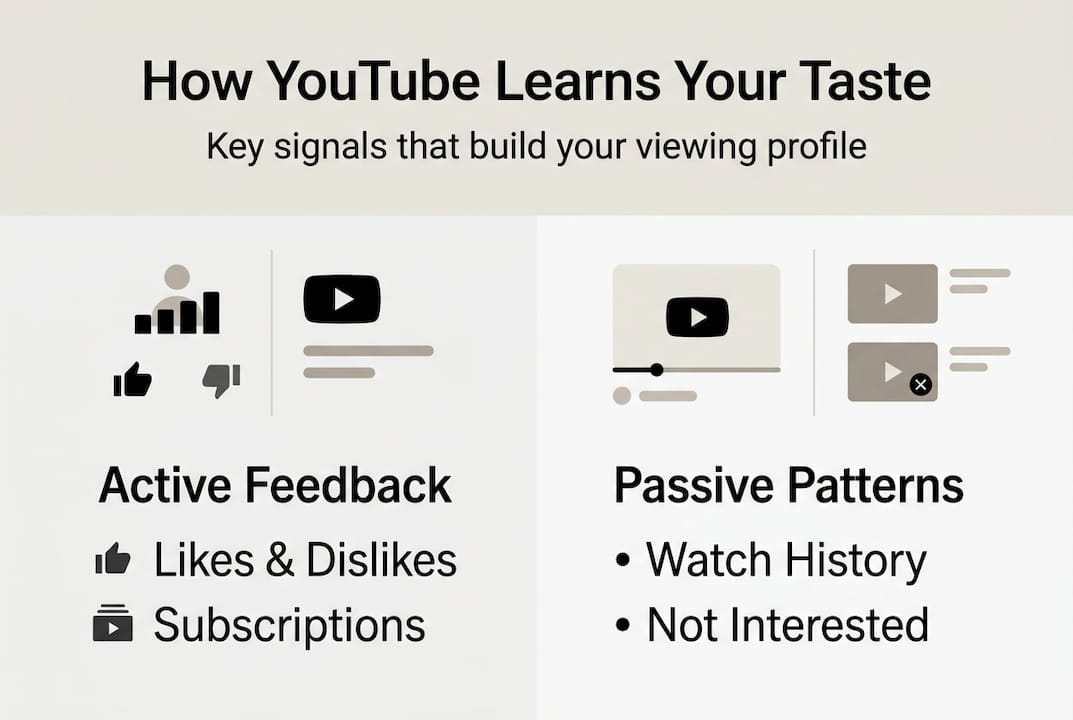
YouTube relies on a mix of active and passive signals. Active signals are things you deliberately do, like liking a video or searching for a topic. Passive signals are behaviors you may not even notice, like how long you let a video play before switching tabs.
Primary signals tracked include watch history, search history, subscriptions, likes/dislikes, "Not interested" feedback, and satisfaction surveys. Each one plays a different role in shaping what you see.
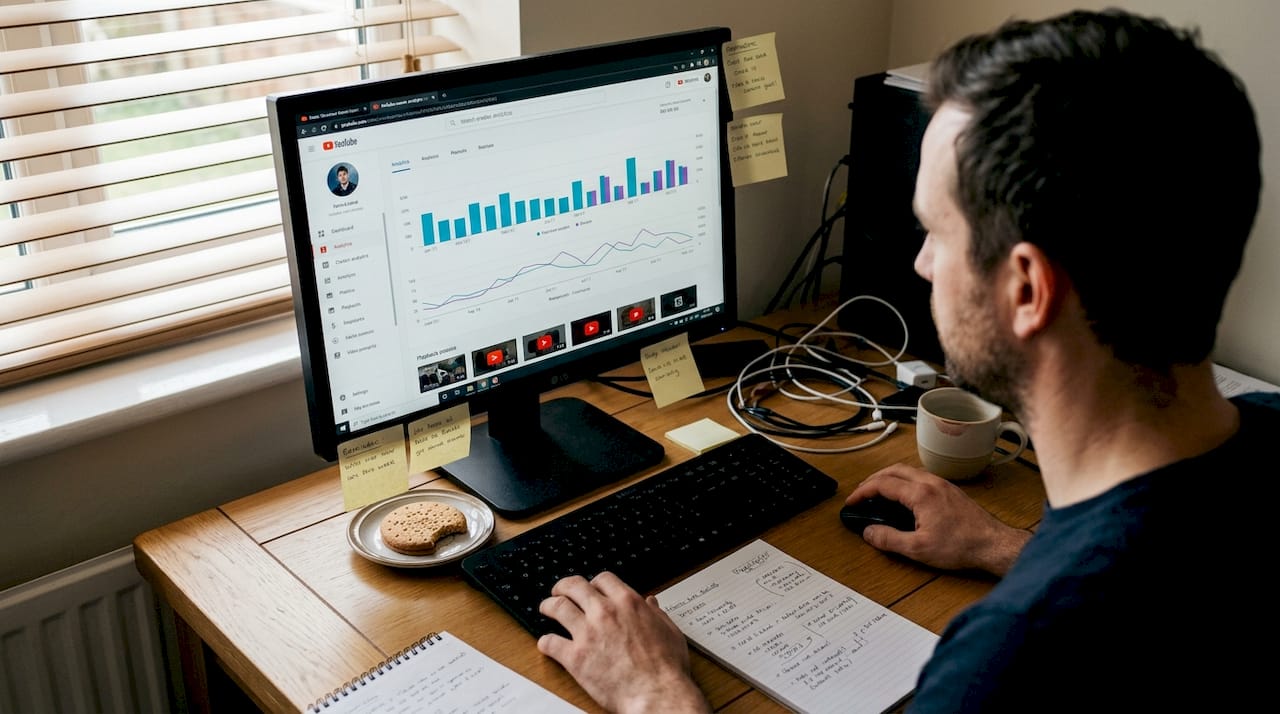
Here is how active and passive signals compare:
| Signal type | Examples | How YouTube uses it |
|---|---|---|
| Active | Likes, searches, subscriptions | Direct preference confirmation |
| Passive | Watch time, scroll speed, replays | Inferred interest and engagement depth |
| Corrective | "Not interested," survey feedback | Negative filtering and recalibration |
Breaking it down further:
- Watch history: The most powerful signal. Consistent viewing of a topic tells YouTube to prioritize similar content.
- Search history: Reveals intent. Searching for "beginner guitar lessons" signals a learning goal, not just casual browsing.
- Subscriptions: Moderate weight. Subscribing says you want more from a creator, but watch behavior still matters more.
- Likes and dislikes: Clear, direct feedback that YouTube weighs heavily in short-term recommendations.
- "Not interested" feedback: Clicking this on a video is one of the fastest ways to recalibrate your feed.
- Satisfaction surveys: YouTube occasionally asks users to rate recommendations. These responses directly influence the relevance for media platforms and the broader algorithm.
Pro Tip: If your recommendations feel stale or off-target, go to your YouTube tracking signals settings and delete clusters of watch history from topics you no longer care about. This resets the weight those topics carry without wiping your entire profile.
One underrated signal is what you do not click. When YouTube shows you a thumbnail and you scroll past it repeatedly, that negative signal quietly lowers the priority of similar content. You are always giving feedback, even when you think you are just browsing.
How YouTube's algorithms shape your viewing journey
Understanding what is tracked sets up the next question: How does YouTube actually turn all those signals into smart recommendations?
The answer involves three core methodologies working together. YouTube's recommendation system employs collaborative filtering to match similar users, deep neural networks for content analysis including titles, thumbnails, and semantics, and reinforcement learning for feedback loops.
Here is how each method works in practice:
- Collaborative filtering: YouTube finds users with similar watch patterns to yours and recommends videos those users enjoyed. You do not need to have watched a video for it to appear in your feed. If enough people like you loved it, YouTube will surface it.
- Deep neural networks: These analyze the actual content of videos, not just metadata. Thumbnails, titles, spoken words, and even visual style are processed to understand what a video is really about.
- Reinforcement learning: This is the feedback loop. Every time you engage with a recommendation (or ignore it), the system adjusts. It is constantly learning what works for you specifically.
The scale of this process is staggering. YouTube processes over 80 billion daily signals to power its recommendation engine. That volume allows the system to be extremely responsive. A single afternoon of watching cooking videos can visibly shift your homepage by the next morning.
"YouTube's system prioritizes valued watch time over raw metrics, meaning a 10-minute video you watch fully outweighs five videos you abandon after 20 seconds."
This distinction matters. YouTube is not trying to maximize how many videos you click. It is trying to maximize how satisfied you feel after watching. That is why completion rate carries so much weight in the algorithm.
Recommendations also evolve over time. Your feed from six months ago would look very different from today's, because the system continuously re-weights signals based on recency. Recent behavior matters more than old behavior, which means you can meaningfully reshape your recommendations in days, not months.
Benefits, risks, and ways to fine-tune your preferences
Now that the algorithms are clear, it is time to weigh the real-world impact of preference tracking and how to take control.
The benefits are genuine. A well-calibrated YouTube feed saves you real time. Instead of searching for new creators, the algorithm surfaces them based on what you already love. Personalization also means you spend less time on content that does not match your interests and more time on videos that actually deliver value.
Key benefits include:
- Discovering niche creators you would never find through manual search
- Getting relevant content without effort after initial calibration
- Seeing trending videos in your specific interest areas before they go mainstream
But the risks are real too. Filter bubbles occur when recommendations limit your exposure to diverse content, though YouTube uses diversification and multi-objective optimization to manage this risk. The concern is valid: if you only ever watch content that confirms what you already believe or enjoy, your perspective narrows over time.
Privacy is another issue. The depth of data YouTube collects is significant, and not everyone is comfortable with that level of monitoring.
Users can manage tracking via watch history pause/delete, feedback options, and activity controls to refine or limit personalization. Practical steps include:
- Pause watch history when browsing topics you do not want to influence your feed
- Delete specific videos or time periods from your history
- Use "Not interested" and "Don't recommend channel" aggressively to correct drift
- Occasionally search for topics outside your usual interests to introduce variety
Pro Tip: Watch a few videos in a completely new category once a week. YouTube will start weaving in related content, which naturally breaks filter bubbles without you having to change your settings.
A smarter way to use video preference tracking
Most people treat YouTube's recommendation engine as something that happens to them. They scroll, they click, they watch. The algorithm learns. That passive approach works, but it caps the quality of your experience at whatever YouTube's defaults produce.
The smarter move is to treat every interaction as intentional curation. When you like a video, you are casting a vote. When you click "Not interested," you are editing your own feed. When you finish a video fully, you are telling the system that content like this deserves a front-row seat in your life.
Experienced YouTube users know that strategic feedback yields a richer, more surprising feed over time. They do not just consume. They shape. The difference between a mediocre YouTube experience and a genuinely great one often comes down to whether you are actively participating in the preference loop or just drifting through it.
Default settings almost always lead to filter bubbles. The algorithm is conservative by nature. It will keep recommending what already worked rather than taking risks on new territory. Conscious interaction, like deliberately exploring new topics and using corrective feedback, is what expands your horizons. Think of it less like a TV remote and more like a conversation you are having with a very attentive librarian.
Enhance your watching experience with Replayd
YouTube's built-in tools are useful, but they only go so far. If you want to truly take charge of your video experience, you need a way to track what you love, share discoveries, and see what others are watching.
Rate what you watch on Replayd.io, a platform built for avid YouTube users who want more than passive consumption. You can rate and review videos, build a personal library of favorites, and see what is trending across the community. It turns preference tracking from a background process into an active, social experience. Instead of waiting for the algorithm to figure out what you like, you build that record yourself and share it with others who care about the same content.
Frequently asked questions
Can I turn off video preference tracking on YouTube?
Yes, you can pause or delete your watch history and adjust activity controls to limit how much YouTube tracks and uses your behavior for recommendations.
How does video preference tracking affect YouTube recommendations?
Preference tracking shapes your feed by modeling your interests from engagement patterns and feedback. As noted in YouTube's AI research, the system continuously infers and updates your viewing preferences based on every interaction.
What are filter bubbles, and should I be concerned?
Filter bubbles happen when recommendations narrow your content exposure over time. YouTube uses diversification techniques to reduce this, but actively using corrective feedback helps you stay in control.
Can I improve my recommendations without sharing too much data?
Yes. Strategic use of likes, dislikes, and activity controls lets you guide recommendations meaningfully while keeping your data sharing to a minimum.